Verify a Receipt
Check the proof behind a signed or refused action in your browser.
A receipt records what Pakt checked and whether it allowed or refused the action. You can verify it independently in your browser.
Open and Verify
- Open your dashboard.
- Select the Pakt under Rules and activity, then open an action.
- Expand Proof and identifiers.
- Select Verify proof in browser.
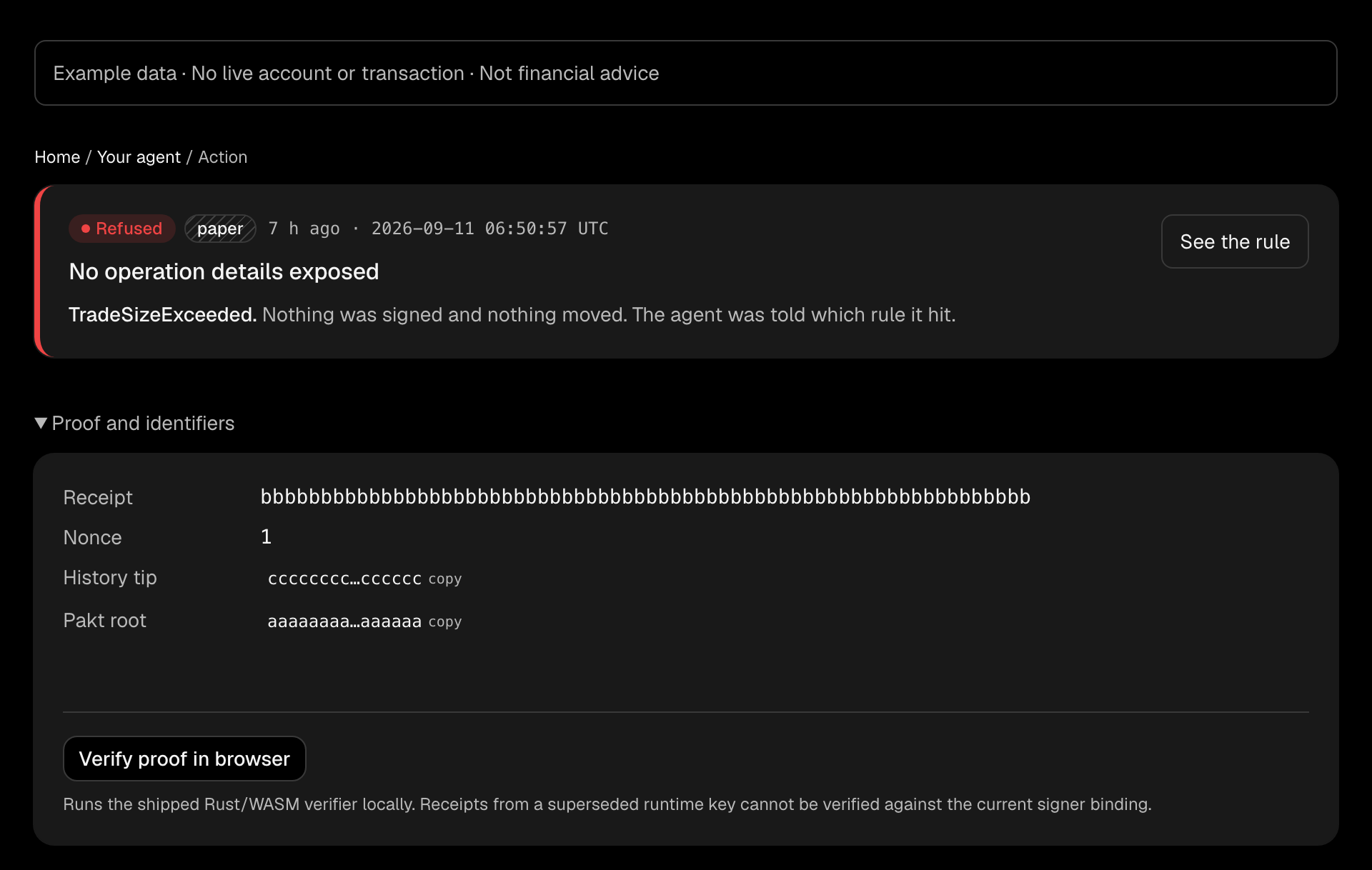
The browser checks that the proof matches the Pakt, action, and recorded decision. For a signed action, it also checks the exact wallet-provider authorization against the wallet's expected approver key.
A refused action can have a valid receipt. Verification confirms the refusal; it does not turn it into an approval.
Understand the Result
PASS means the receipt's proof and required authorization checks passed. It does not prove that the client submitted the request or that the venue executed it. Follow the venue reference to check execution.
FAIL means verification failed. Do not rely on that receipt as proof of authorization. Keep the receipt ID and error for investigation. A receipt from a superseded runtime key cannot be verified against the current signer binding.
The checks run locally in your browser. For the assumptions behind them, see Security and Trust.